Your Profile & App Appearance
Personalize your identity and the look of the application.
Editing Your Profile
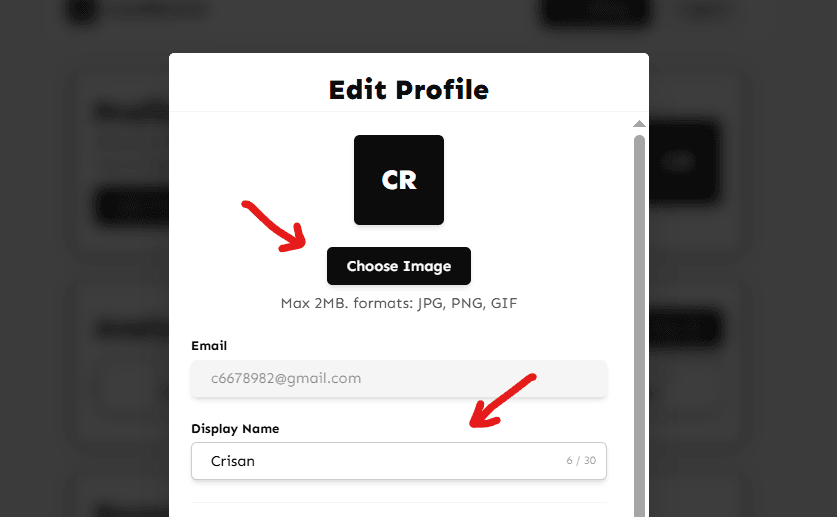
To update your personal details, click on `Edit profile` in the left corner of the screen. In the Profile tab, you can:
- Display Name: This is the name visible to you and potentially on comments you leave.
- Profile Picture: Upload a custom image. If you remove it, we will default to your initials.
Customizing App Appearance
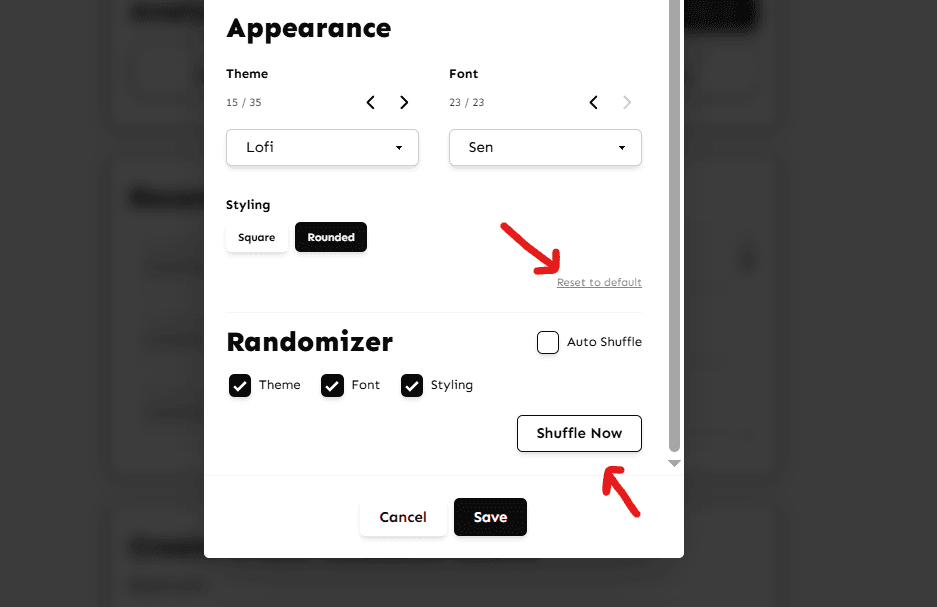
Make LoyalBoards your own with our flexible theming engine. In the Settings menu, navigate to the Appearance tab.
- Themes: Choose from our curated list of light and dark themes.
- Randomizer: Feeling adventurous? Use the Randomizer to generate a unique combination of fonts, colors, and border styles.
- Reset: If you want to go back to the original look, simply click Reset to default at the bottom of the panel.
Can't find what you're looking for?
Contact Support